
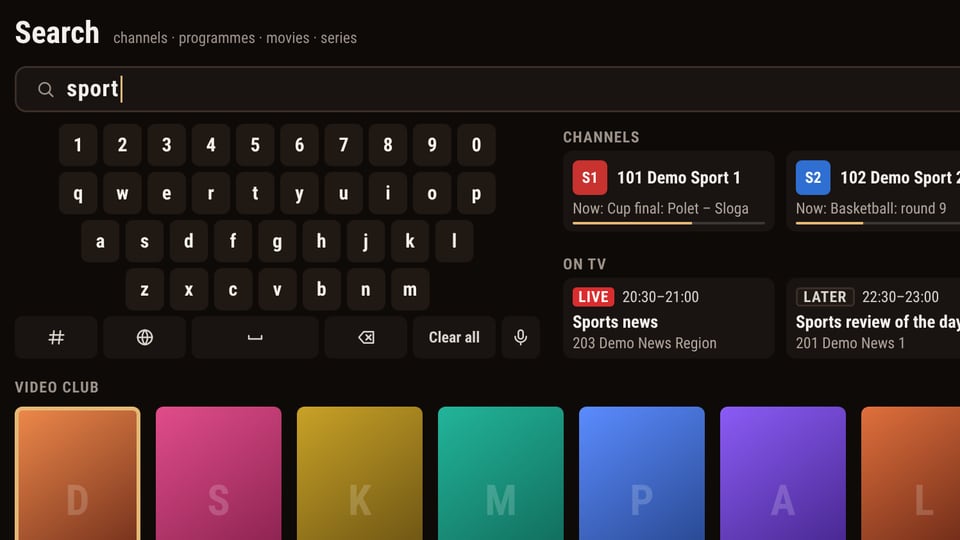
Search
One search across channels, programmes, films and series, with an on-screen keyboard. On LG TVs it also works by voice.
Give your customers an exceptional TV experience while managing your entire service from one powerful platform. Smarter technology, simpler operations, endless possibilities.
Built for operators. Designed for customers. Engineered to stand out.
Six keys do everything.
Your customers watch on the screens they already own: smart TVs, streaming devices, phones and tablets, all on one account. The phone doubles as the remote, and a programme moves from one screen to another.
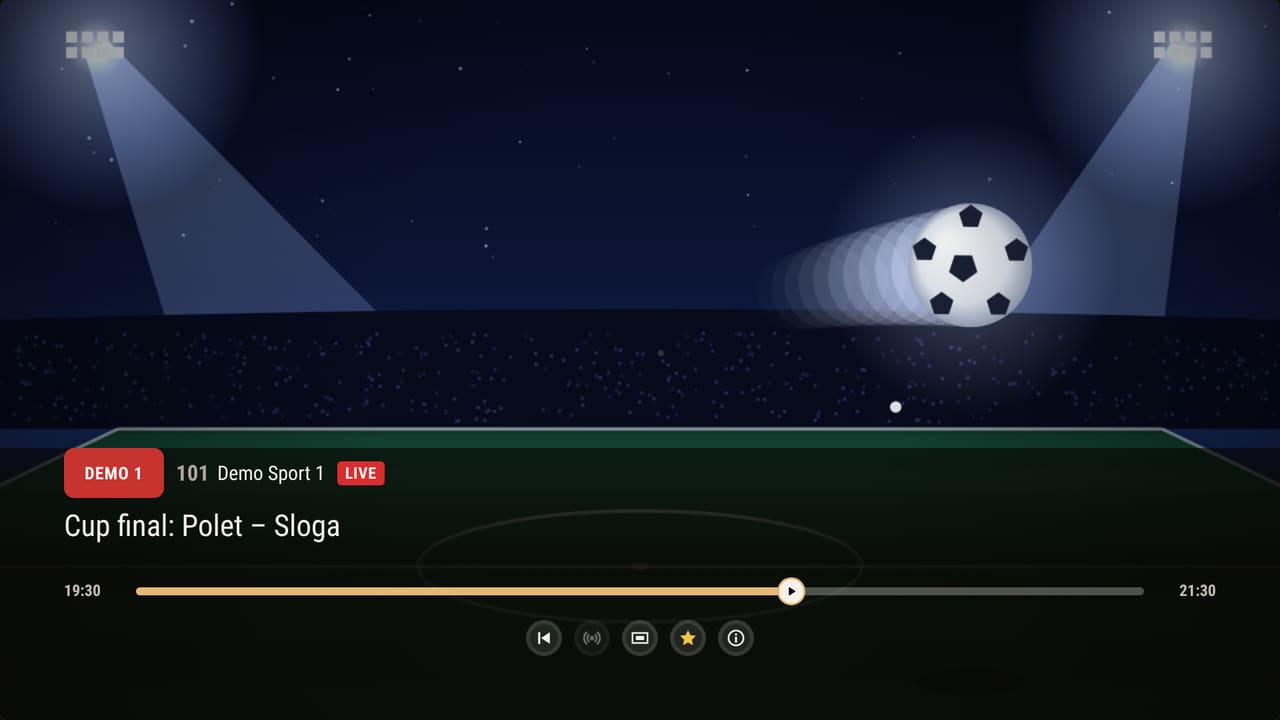
Next-generation media player software that turns everyday TV into an exceptional experience. Combining intuitive design, intelligent features and powerful operator tools, KokiePlay gives customers more reasons to watch and operators more reasons to grow.
KokiePlay brings together powerful technology, beautiful design and effortless navigation to redefine how people watch TV and how operators deliver it.
KokiePlay delivers a premium viewing experience with intelligent features, multi-platform compatibility and powerful management tools. Give your customers an experience they won't want to leave.
It's about experiencing. KokiePlay combines intelligent technology, exceptional design and complete operator control to redefine what a TV app can do.
Forget ordinary players. KokiePlay delivers smarter features, effortless navigation and powerful operator control. One app. More possibilities. A better way to play.
A clean, easy-to-use interface with smart features everyone can enjoy. Plan what to watch, switch channels automatically, set reminders, catch up on missed shows and customize subtitles — all with just a few clicks.
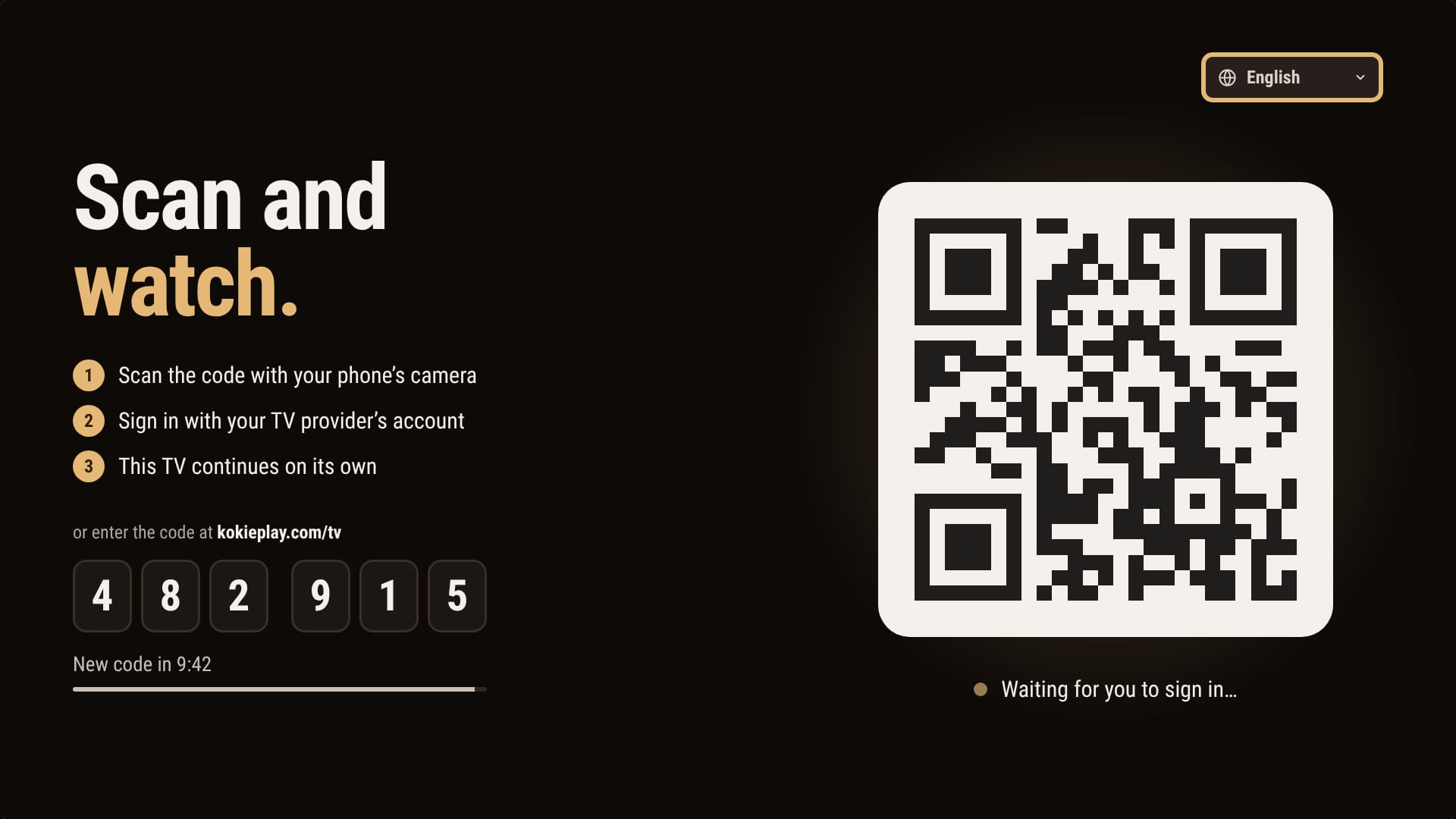
1.1 Activation
On a new TV your customer scans a QR code with their phone, or enters a six-digit code at kokieplay.com/tv, and signs in with the account you gave them. The TV does the rest. Nothing is typed with the remote.
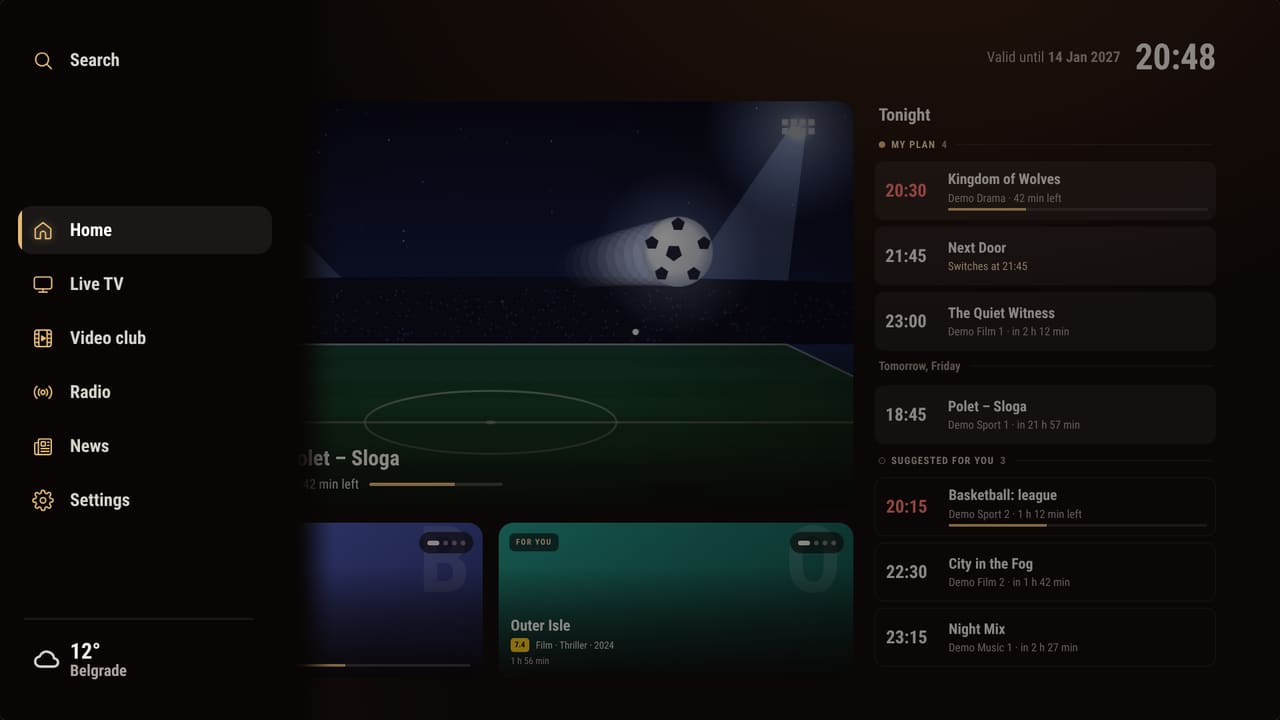
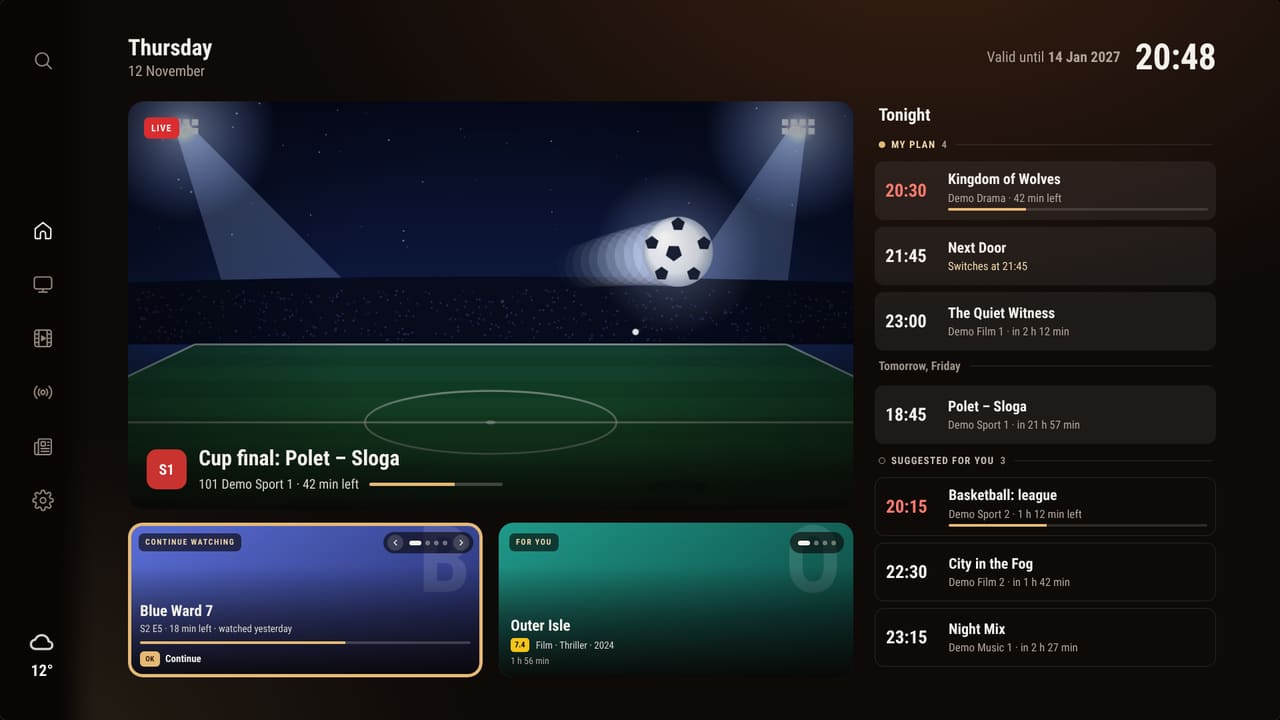
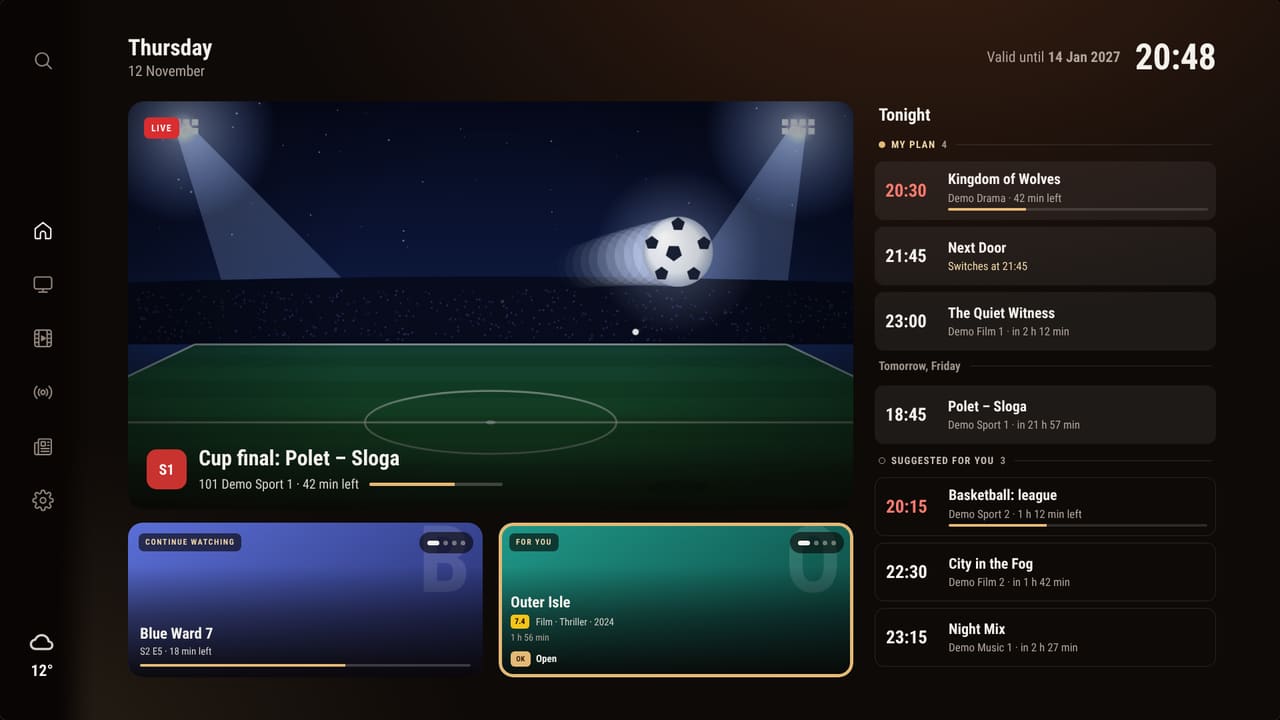
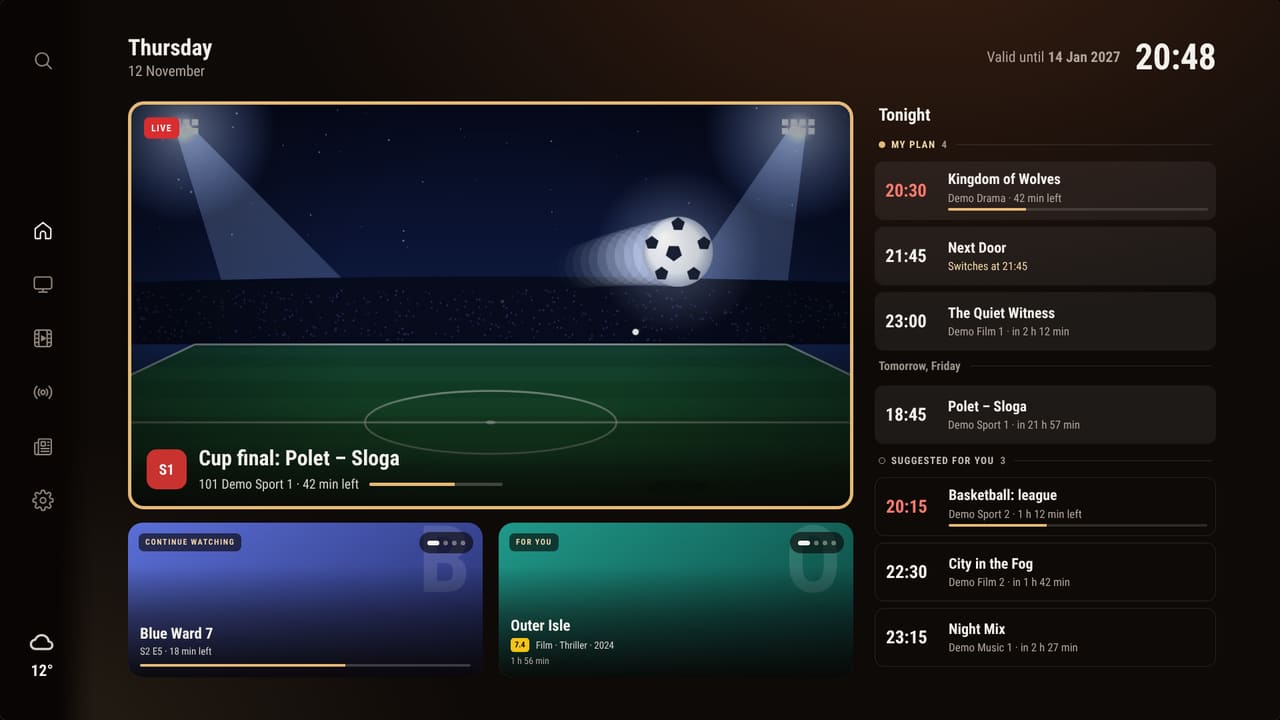
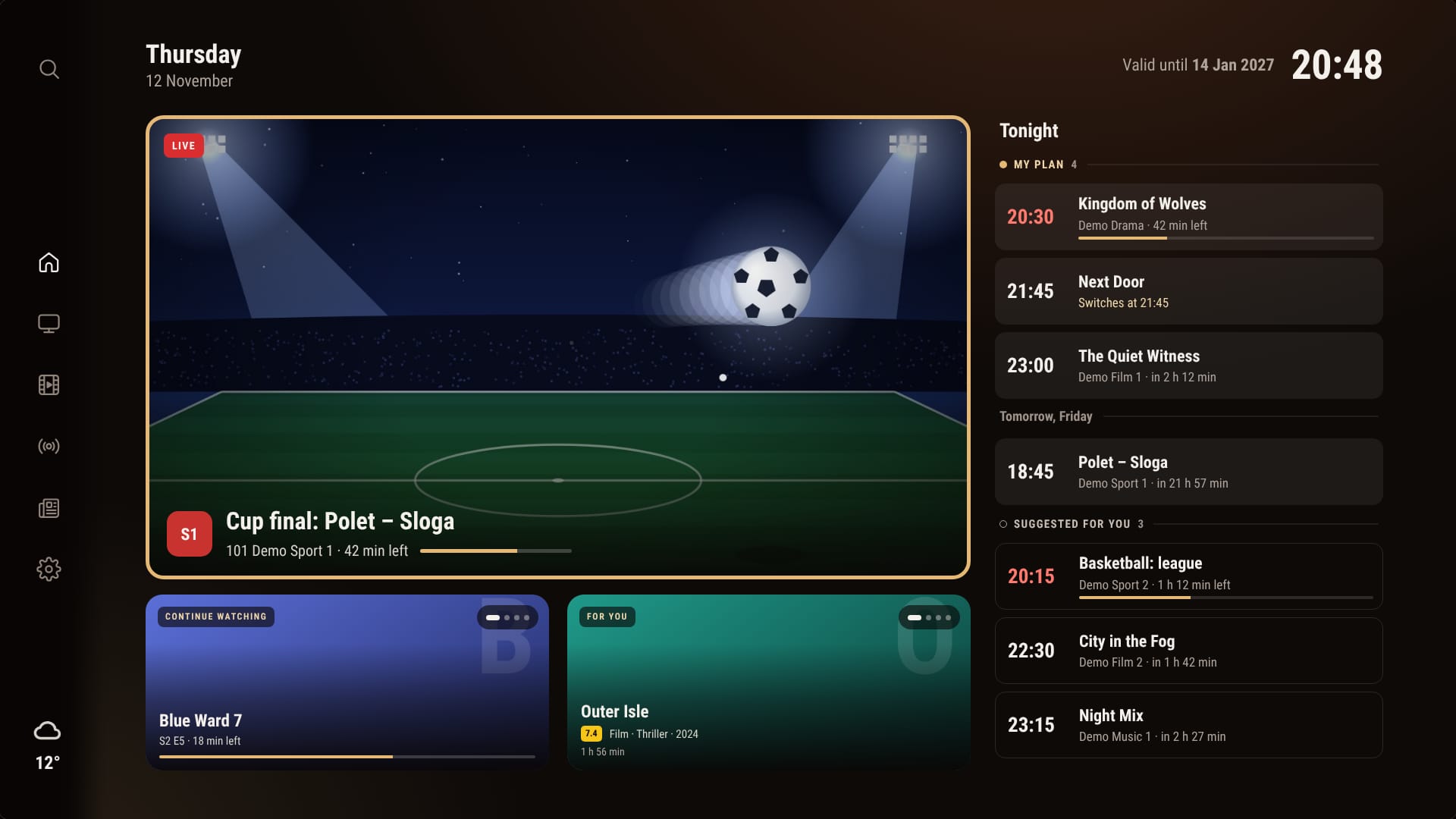
3.1 Home
The app opens on the channel your customer watched last and starts playing it straight away. Below sit the series they have started and a suggestion from the video club.
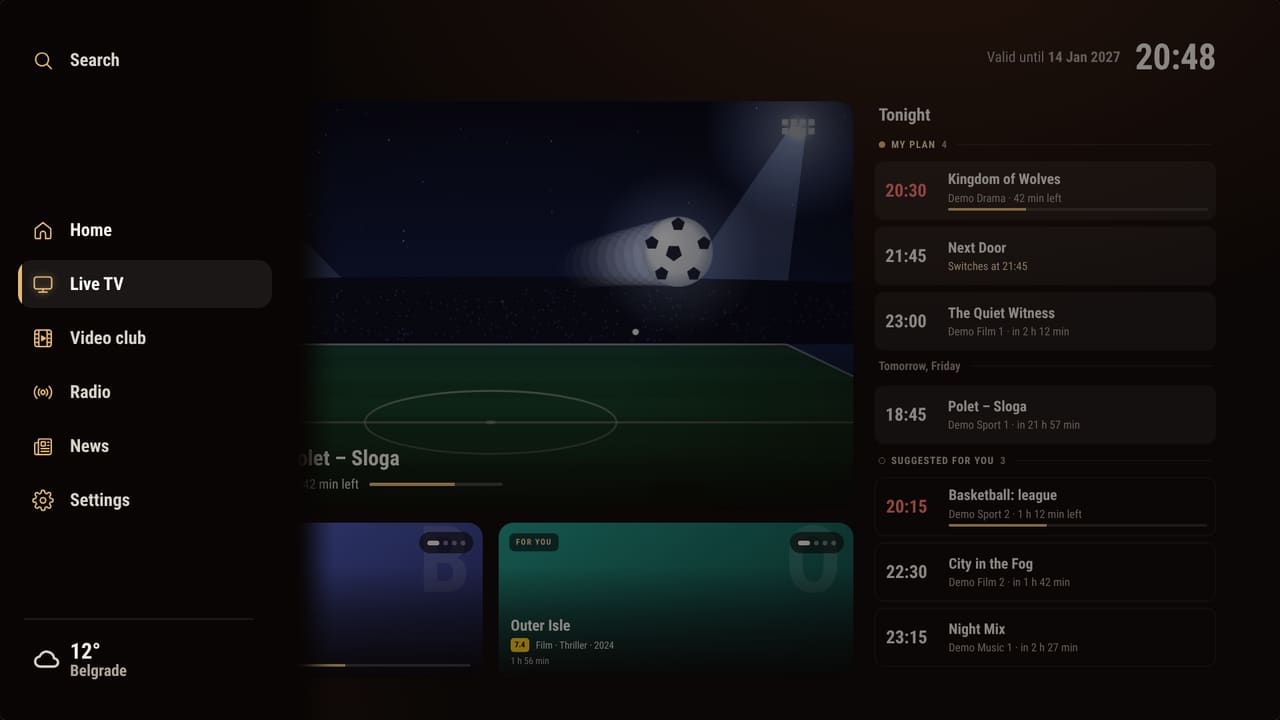
3.1 Home, Tonight
On the right is what your customer has picked for tonight and tomorrow, hour by hour. When a programme starts, the TV reminds them or changes the channel for them.
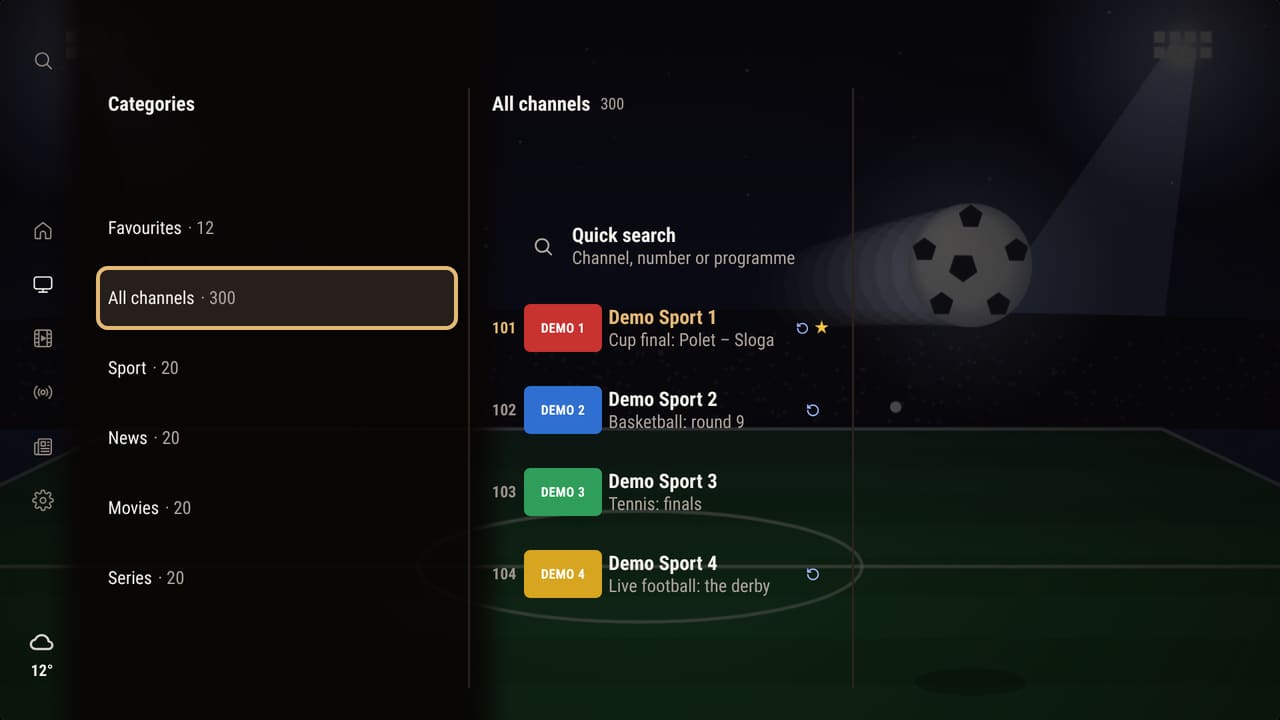
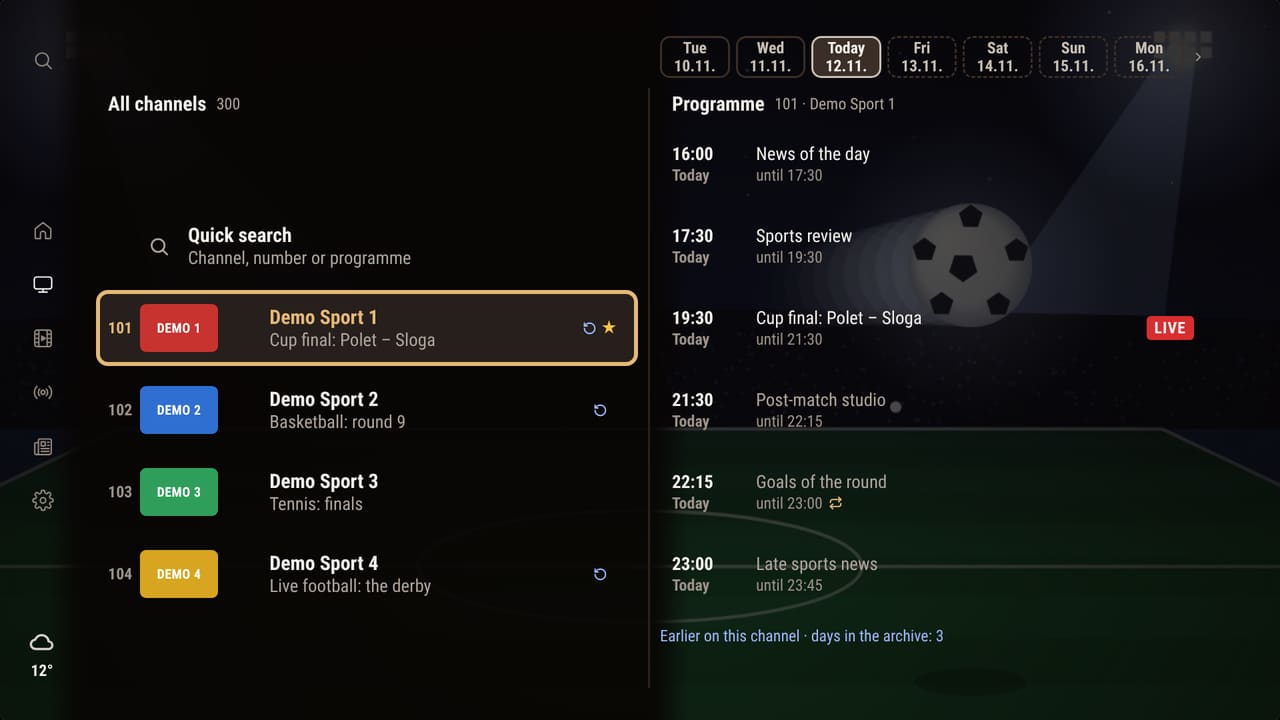
6.2 Live TV
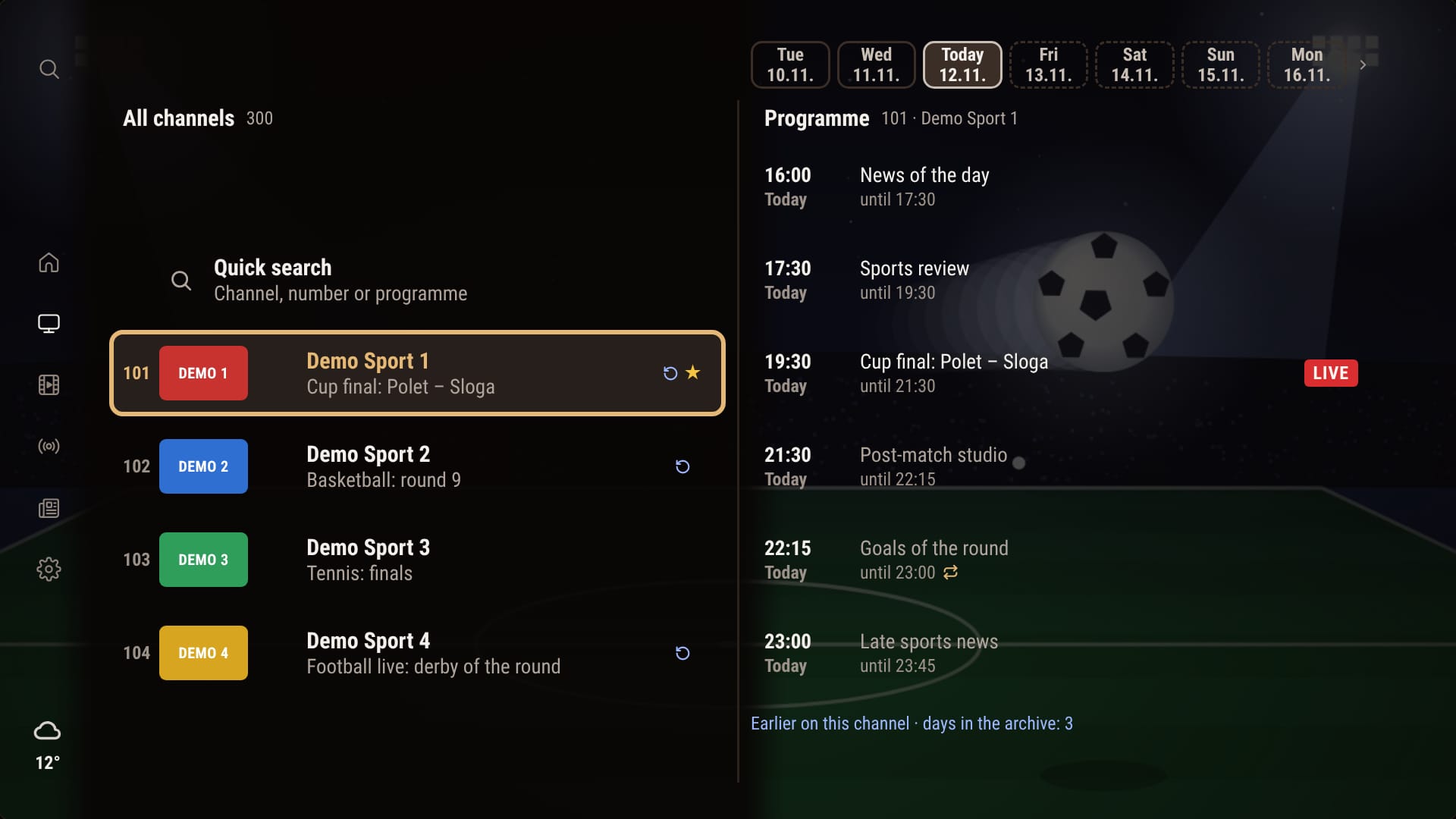
Channels on the left, the selected channel's programme on the right, with the days across the top. A star marks favourite channels and a circular arrow marks channels with an archive. The guide covers as many days as your programme data does.
6.3 Programme options
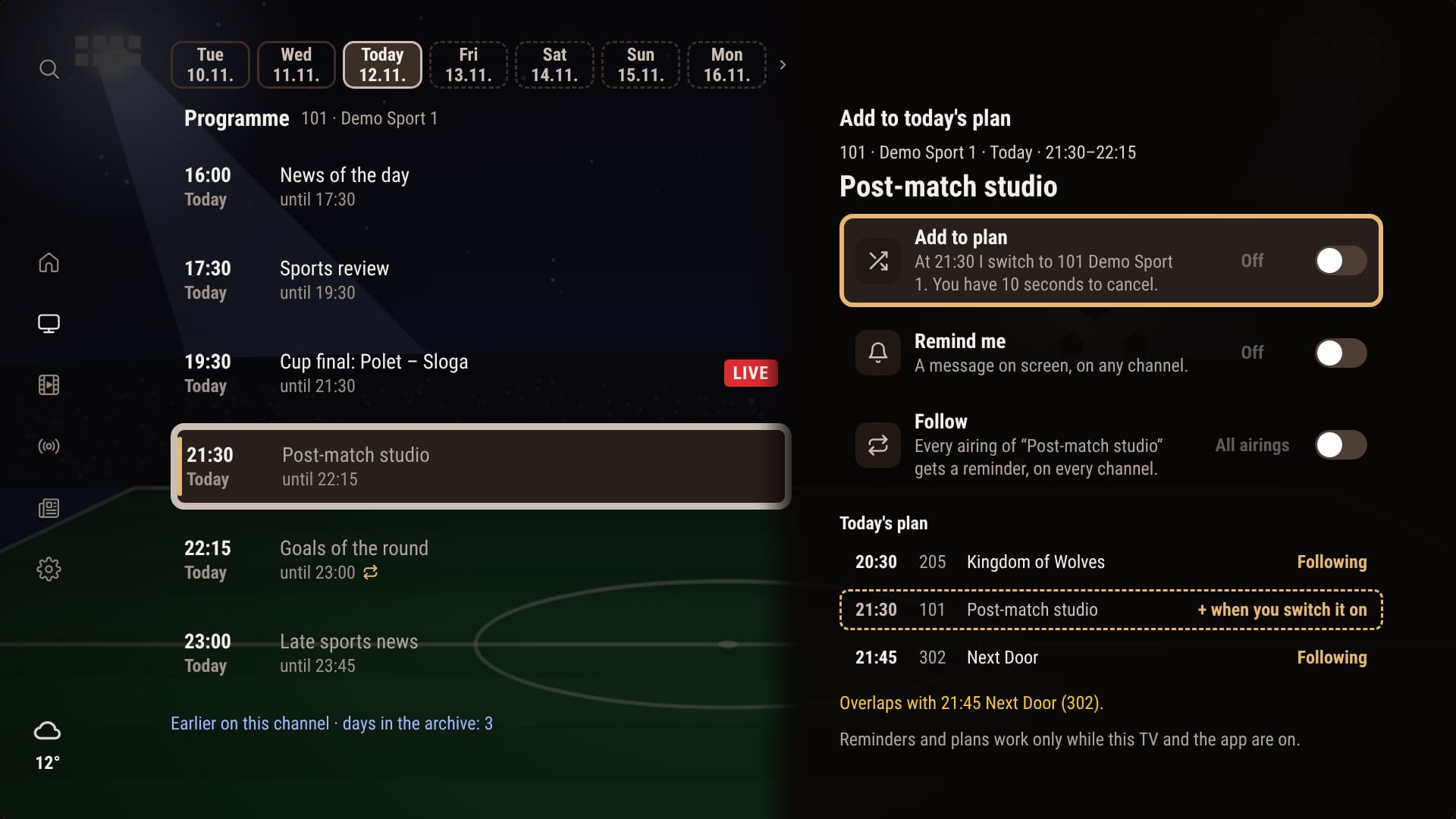
On any programme that has not started, your customer has three options. Add to plan: at that hour the TV changes the channel itself, with ten seconds to cancel. Remind me: a message on screen, on any channel. Follow: a reminder for every later airing. All three work while the TV and the app are on.
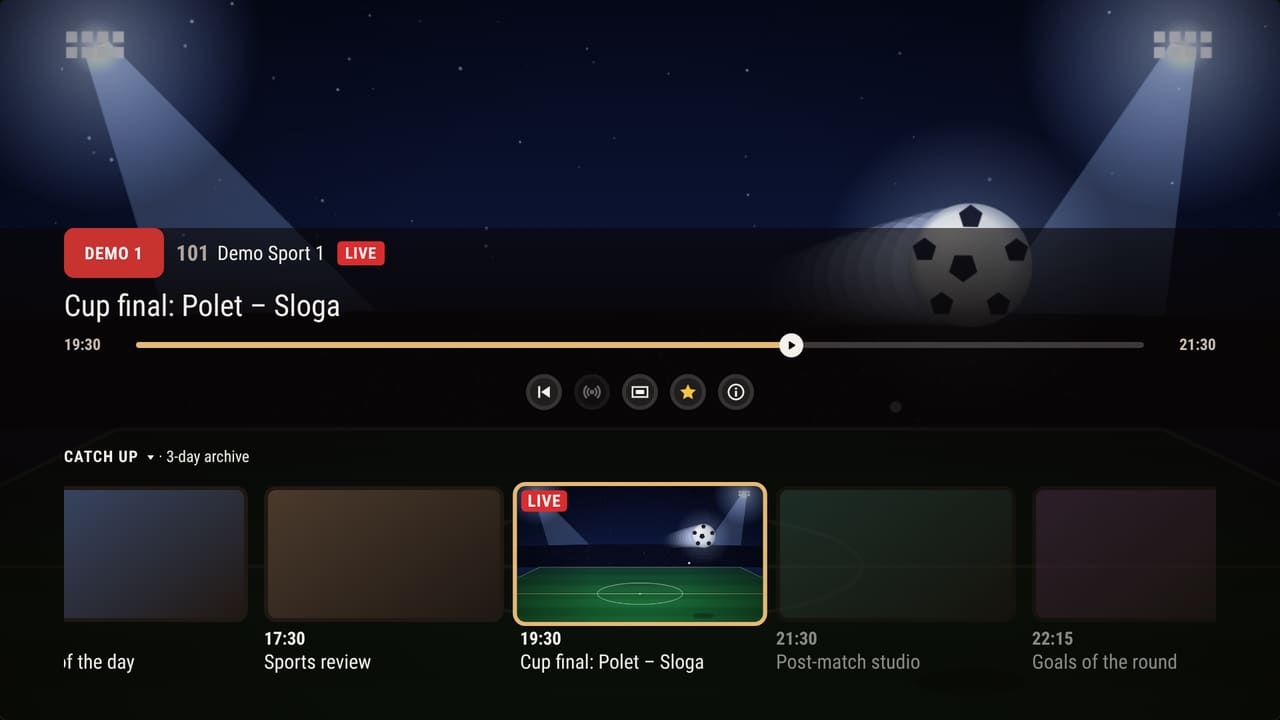
6.5 Catch up
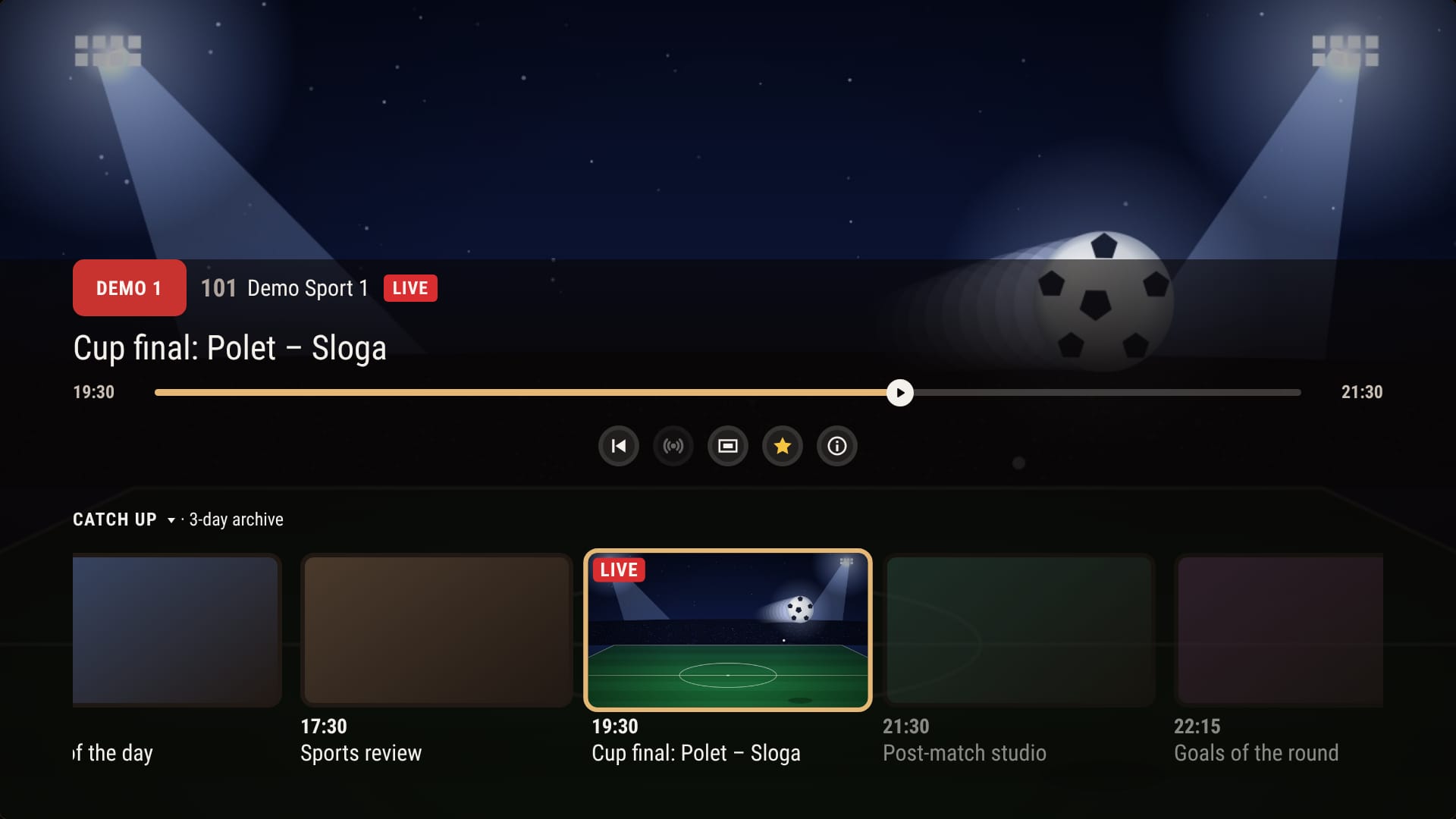
Where you keep a channel archive, your customer can go back through the schedule. The live programme sits in the middle, earlier ones to its left and later ones to its right.
7.2 Video club
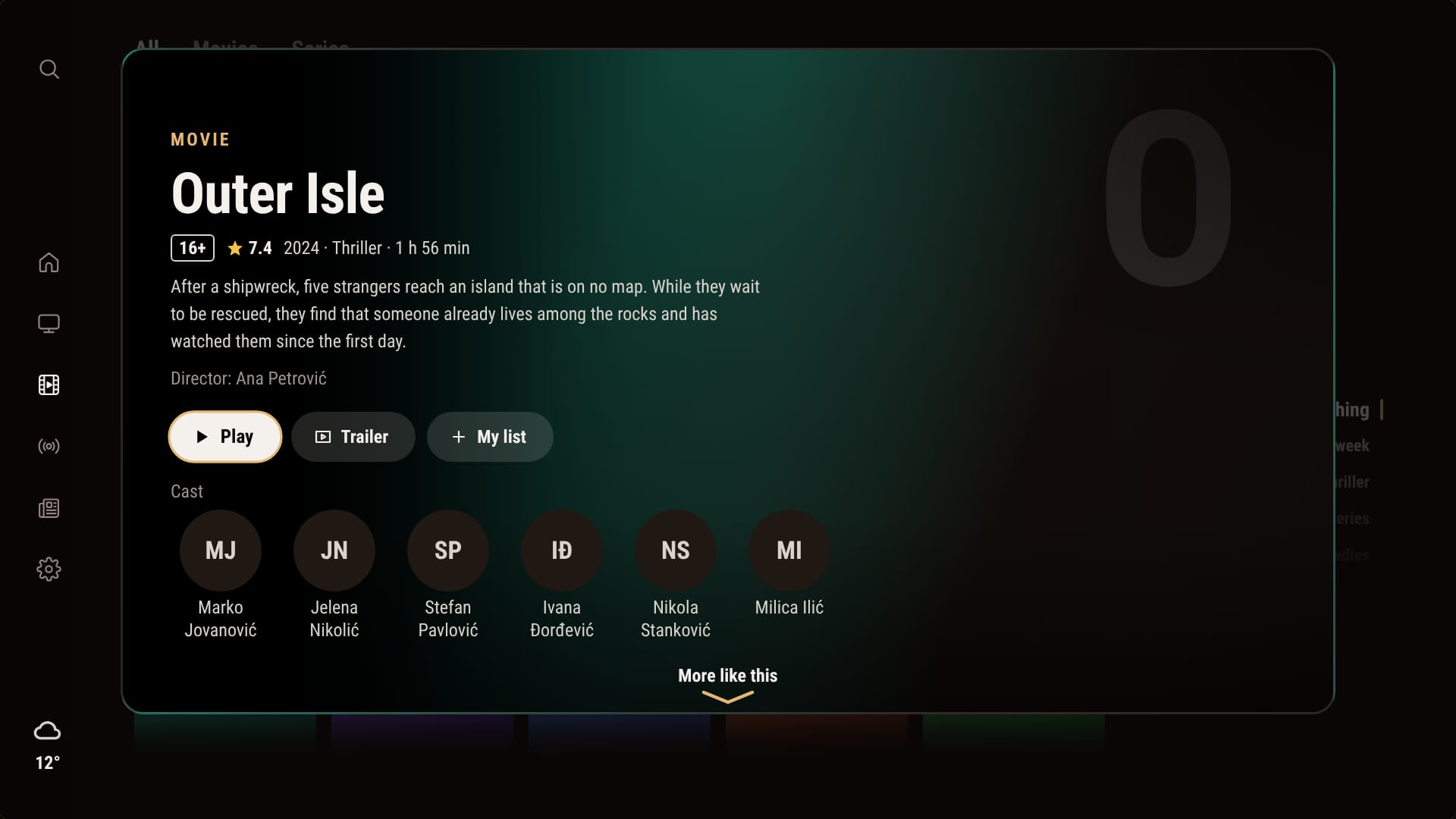
Films and series are arranged in rows, with genres and filters. Each title opens with its rating, description, cast and trailer, and My list keeps it for later.
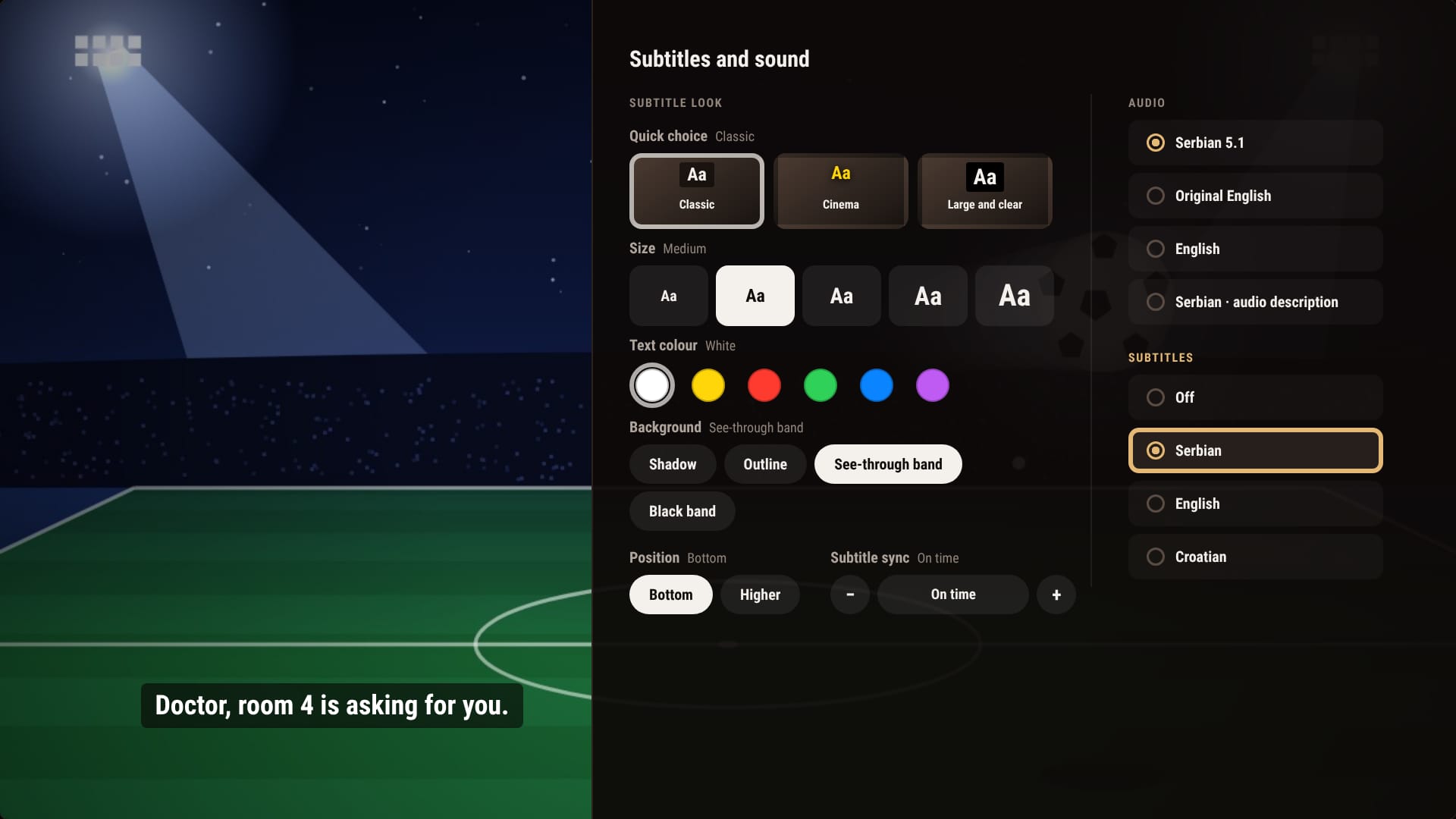
8.2 Subtitles and sound
In the player your customer chooses the audio and subtitle language, then the size, colour, background and position of the text. If the subtitles run late, they can be shifted until they match the picture.
One search across channels, programmes, films and series, with an on-screen keyboard. On LG TVs it also works by voice.
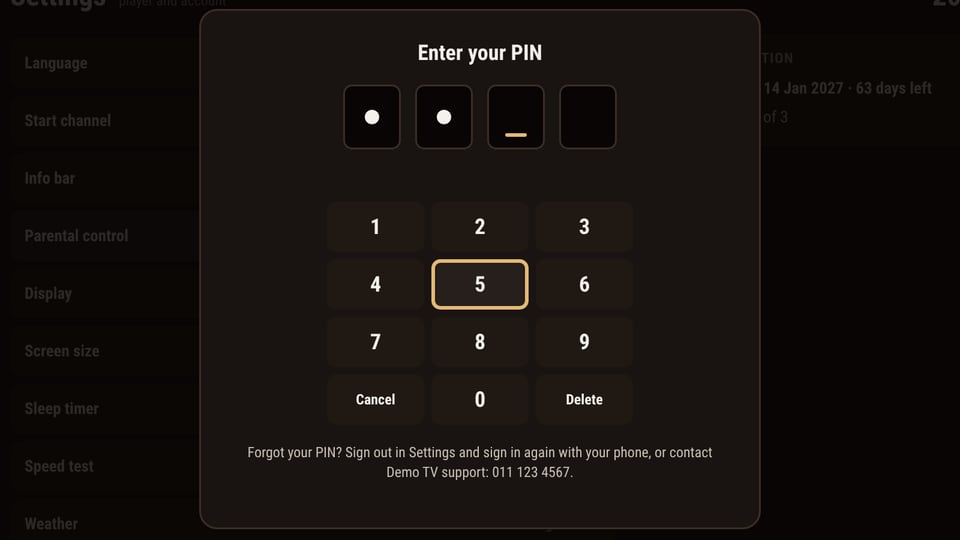
A PIN locks adult categories, and any others a parent chooses.
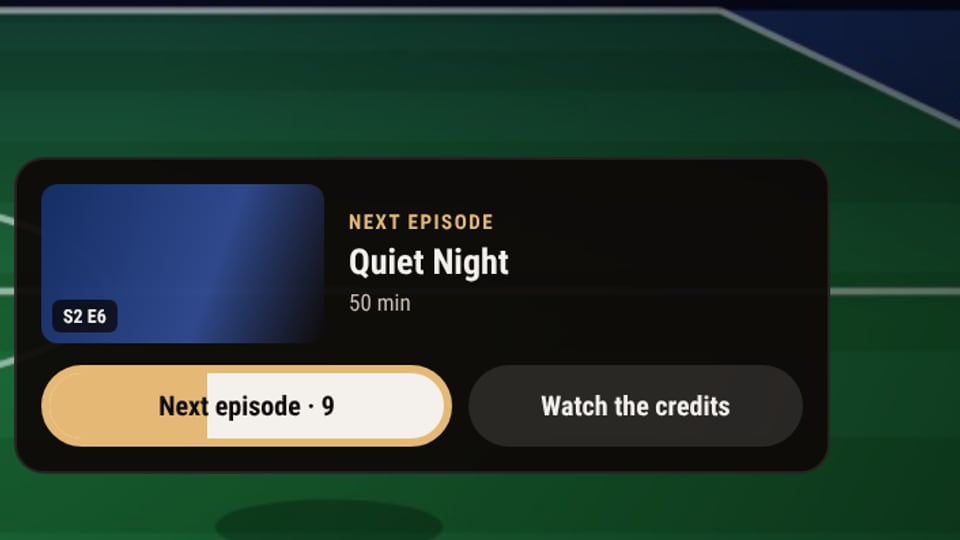
Near the end of an episode a card counts down and the next one starts by itself.
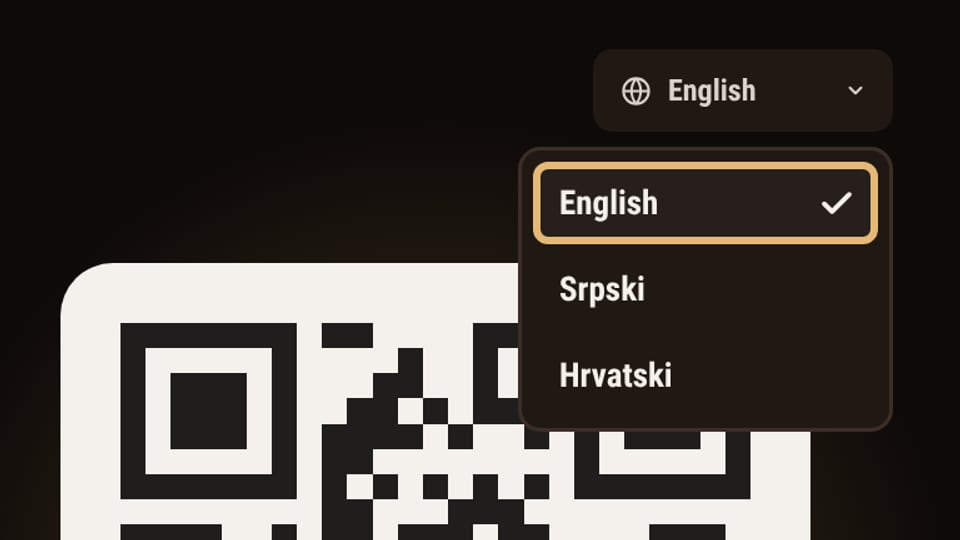
Choose your own language, 20+ available.
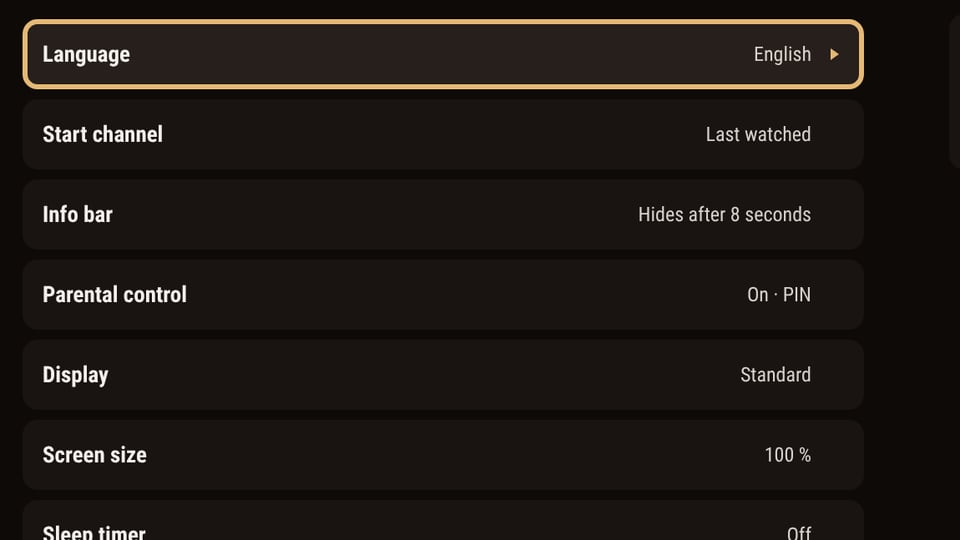
A start channel, a screen size for TVs that crop the edges, large text and high contrast.
The app comes with a panel for your team: manage customers and devices, send messages to TVs and see how every channel performs.
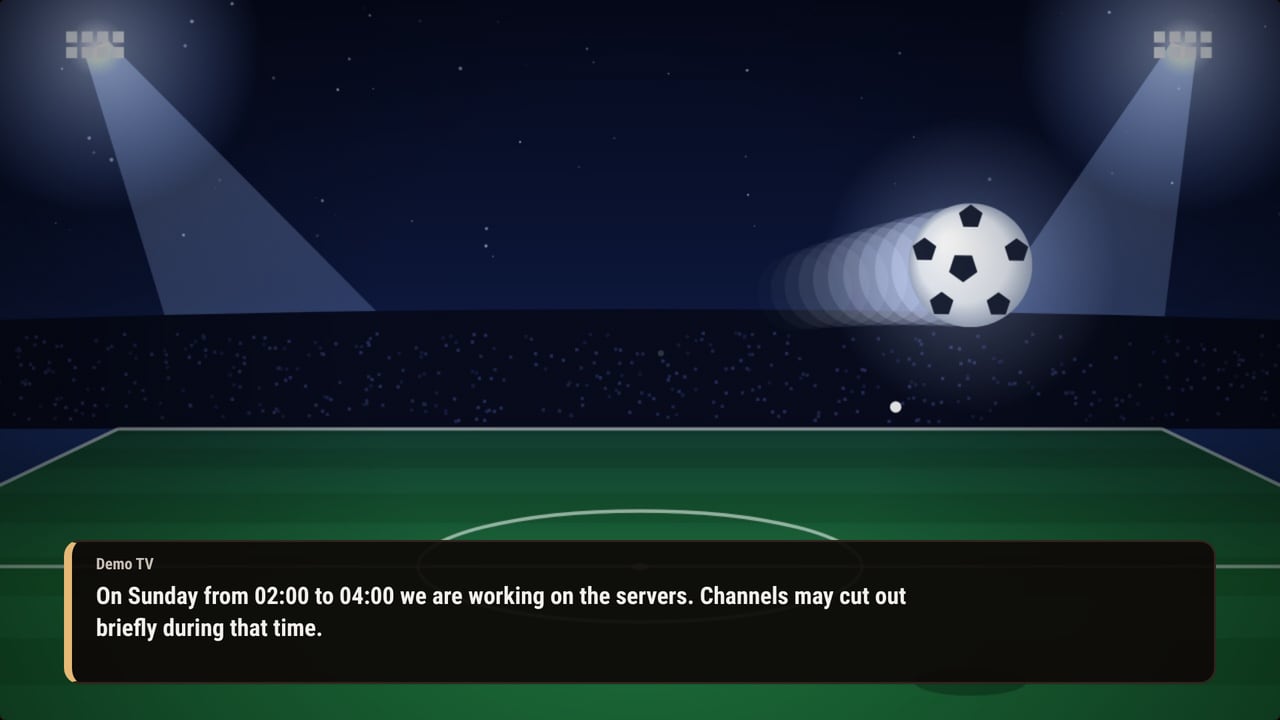
Pictured: your message on a customer's TV, as a bar over the programme.
Add customers one by one or from a CSV file. A TV is linked with a code the customer reads out.
Smaller operators use the KokiePlay app with their own name and support contact in it. Larger operators get their own app, under their own store account.
A bar at the bottom of the screen or a full-screen message, sent now or at a set time.
TVs report every channel start, so you see which channel fails to start, starts slowly or stalls. Our servers never open your streams to find out.
An error message tells your customer whether the problem lies with the source or with their own internet. The panel shows your support team the same.
The most watched channels, films and series for any period, and who is watching what right now.
A customer reports a problem from the TV, or scans a QR code and fills in a form on their phone. The report arrives in your panel.
API keys and webhooks connect the panel to your shop or billing system, so a new customer is added without typing. A ready-made shop integration is planned.
You bring the channels, films and series you hold the rights to, from your own sources. KokiePlay presents them.
Video goes straight from your servers to your customer's TV. Our servers keep the accounts, the settings and the guide. For these they read your panel's channel list and guides, and the list of each M3U line.
Your customers pay you, in your own shop and on your terms. You pay us a software licence, by invoice.
They are your customers, not ours. We process their data on your behalf, under a data processing agreement.
Important
Send us your company details, your number of active users and the platforms you need.
A person reviews every application before anything is activated. You sign the terms, including a warranty that you hold the content rights.
You receive an invitation to the panel, enter your sources and customers, and set your name and support contact.
Your customers open the app, scan the code and start watching.
Your own sources. You add the sources you hold the rights to in the panel, and KokiePlay plays them.
Pricing depends on your number of active users and is billed by invoice. An app under your own name also carries a one-off setup fee per platform.
Operators that hold the rights to the content they sell. Before activation a person checks each company and asks for confirmation of those rights. There is no self-service sign-up.
No. KokiePlay is software. You bring the channels, films and series, under your own licences.
No. KokiePlay is an app for TVs, and for iPhone and iPad.
Their email address and, if you enter them, their name and telephone number; each line's state and how many connections it allows; each TV's maker, model and app version, and its network addresses with country, city and internet provider; what each device watched in the last 30 days, and channel starts and errors for channel health; problem reports sent from the TV; and the settings that follow a customer to all of their TVs. For an M3U line, our server reads its list and keeps it with the login left out or sealed. Searches are kept only as counts for your service, never with a customer. Our privacy policy lists every item and how long it is kept. We process this data on your behalf, under a data processing agreement. Your source details are stored encrypted, separately for each operator.
See the app and the panel live, on sample data.